- New FeatureOct 15, 2026
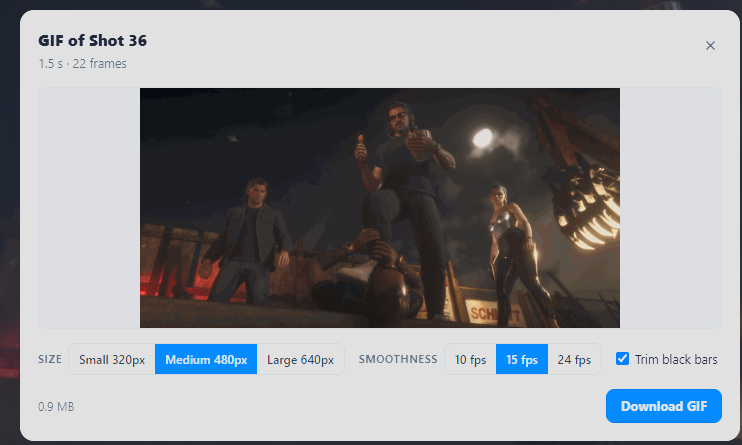
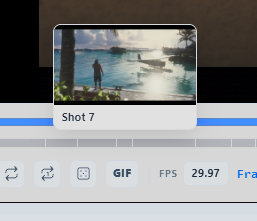
Added a GIF button to the trailer videos
The shot that the playhead is on, will be turned into a GIF. Includes quality and fps options
- New FeatureJul 24, 2026
GTA Wiki integration
I am happy to announce that we now have an integration with GTA Wiki Official, agreed upon with their great admin team! In the detail finder page, every media has a wiki button.

- New FeatureJul 20, 2026
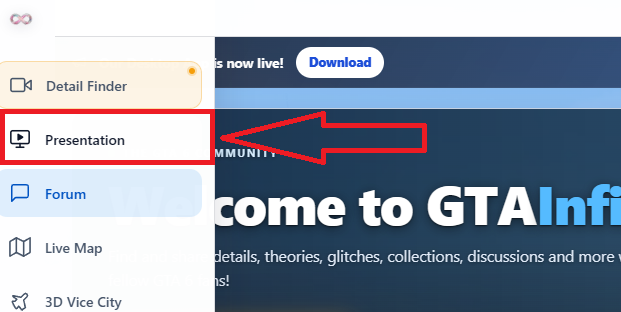
Added Menu item
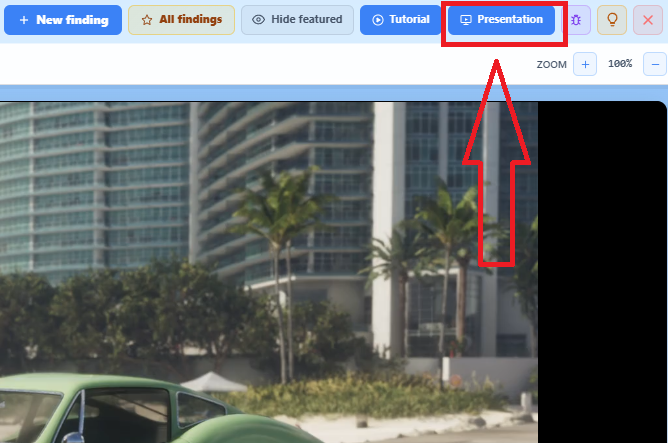
Presentation Mode is now in the menu. It is still a part of the Detail Finder page, but it just opens up the Presentation feature immediately.
- New FeatureJul 20, 2026
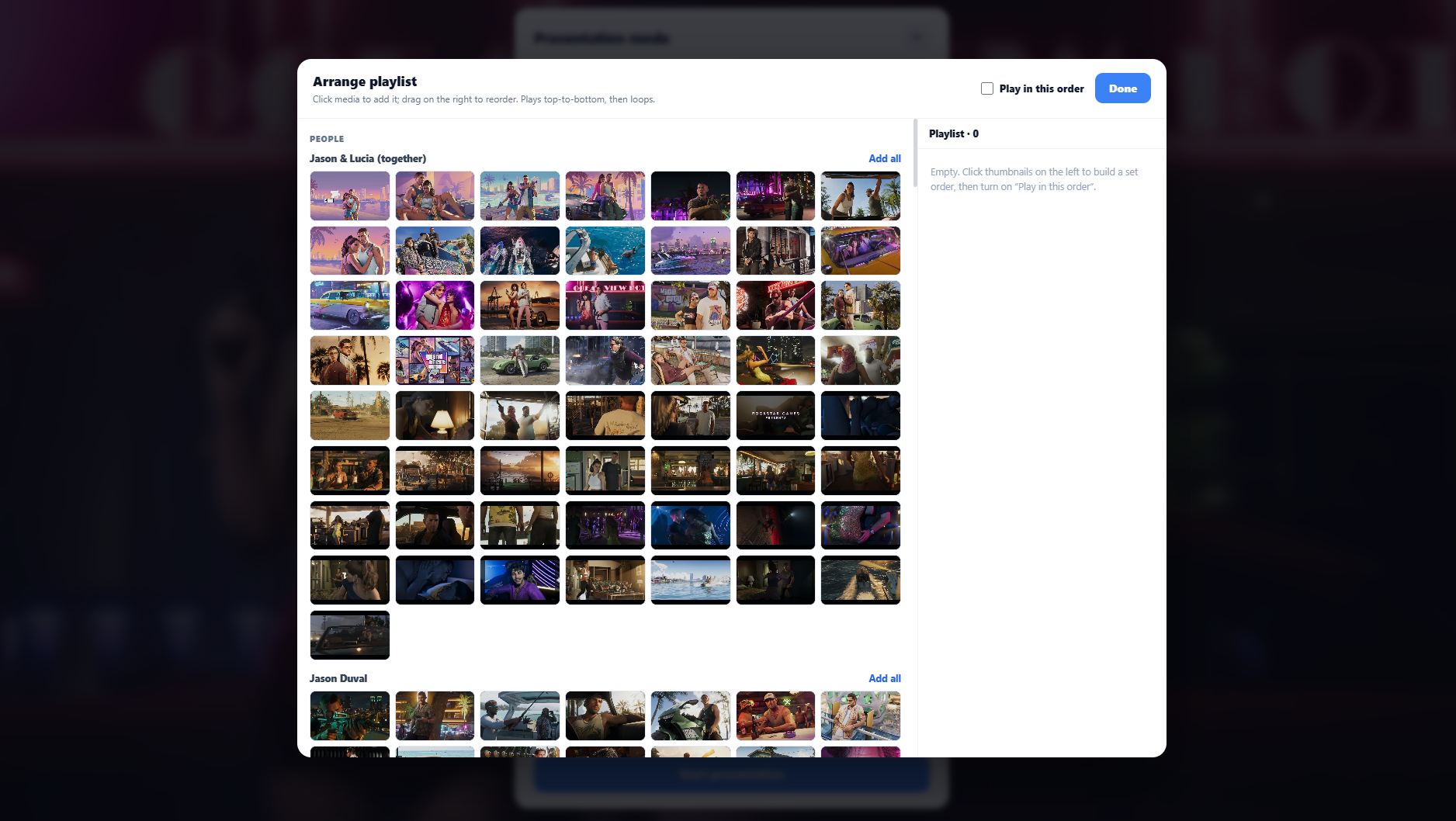
Arrange Playlist in Presentation Mode
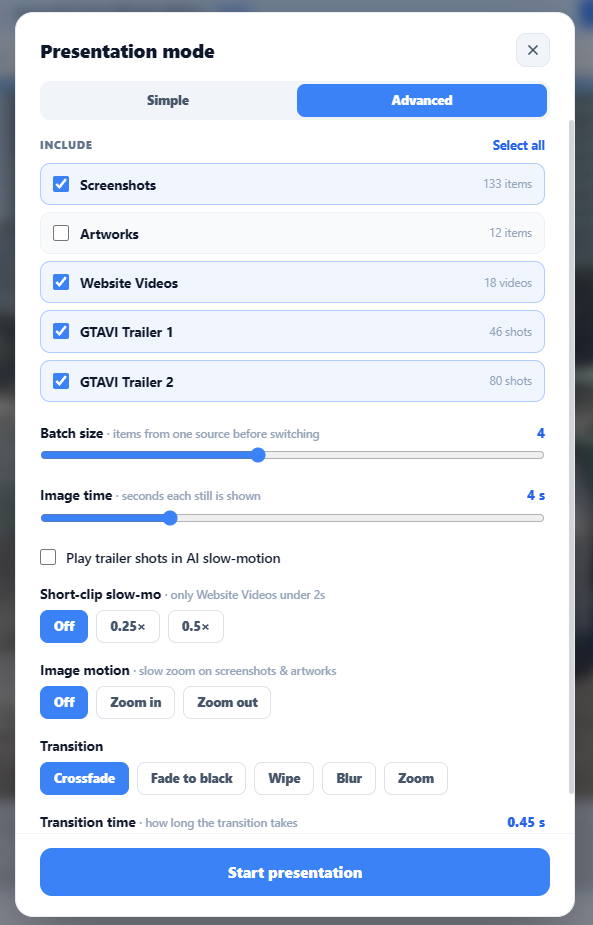
You can now create your own playlist and choose what is shown in what order.
- New FeatureJul 20, 2026
Presentation Mode Update
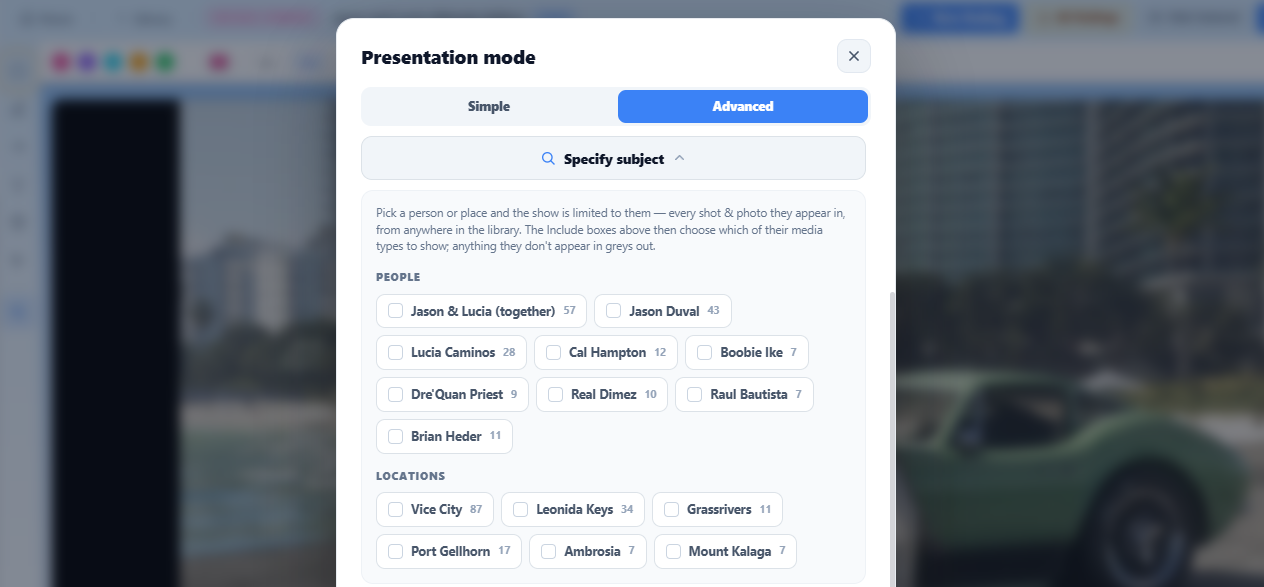
Added a people/places selector so you can isolate different subjects to only show in the presentation
- New FeatureJul 19, 2026
Presentation Mode
Great feature added! Turn your screen into a GTA 6 screensaver and check out the randomly curated GTA VI media! Has both simple or advanced settings to make it work to your liking.
- New FeatureJul 12, 2026
AI Super Slomotion
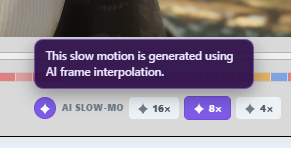
In addition to regular speed setting, you can now enable AI slomo of 4x, 8x, and 16. Please note that AI slomo is not perfect, but nice for smooth viewings. Looping individual shots is available for AI slomo as well.
- New FeatureJul 11, 2026
UI Changes
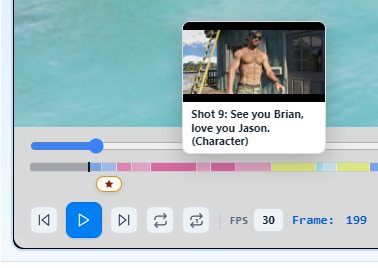
Detail finder now shows previews of every trailer shot when hovering over the colors. All videos have a loop button. Trailers with multiple shots have a ''loop shot'' button. In Trailers, shots without a category (intro with black background, outro with logo) will be skipped when loop is on.
- New FeatureJul 11, 2026
UI Changes
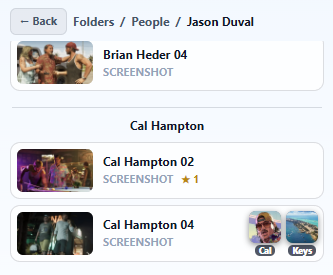
Dedicated people / places folders show every other screenshot/video and even trailer shot containing the subject. For example: Jason Duval folder contains other media that he appears in, including trailer shots. It also shows the original folder that the other media stems from.
- New FeatureJul 10, 2026
Big changes! UI, categories and 3D fly game updates
Detail Finder: Place and character folders now include matching video clips from the trailers, and you can jump straight to that moment by clicking them. Media Library: New view options (big/medium/list) and cleaner folder cards. Fix: "See on map" button works again. 3D Vice City: 3D Buildings now render on the map thanks to Caseiro from the GTA 6 Mapping Project Discord
- New FeatureJul 9, 2026
Detail Finder: UI changes
- Restructured the media library panel to make it more clear. - Trailer shots that show locations are now shown in the ''Places'' folder.
- New FeatureJul 4, 2026
Profile page: New discord banners
With 50+ discord banners added, you can now select a GIF/Banner around your profile picture under profile settings.
- New FeatureJul 1, 2026
(Beta) New Page Added: 3D Vice City
Fly above the map of GTA 6 with a cool little plane in a minigame. Live Multiplayer.
- New FeatureJun 24, 2026
Quality of life update
Redirect user to their newly created post immediately after publishing Allow users to edit their own posts for up to 72 hours after publishing Public changelog page in the left menu
- New FeatureJun 24, 2026
New GTA 6 Videos & Screenshots Added
New Website Video Ultimate Editon Screenshots Vintage Pack Screenshots
- Bug FixJun 24, 2026
General bugs Fixed
Giveaway popup freezes on "Saving…" with no way to exit Loading screen occasionally freezes (Redis caching + skeleton loaders fix) H2/H3 heading formatting doesn't resize text in the editor Report a Bug + Request a Feature buttons do nothing when clicked in the profile menu Settings menu hidden/cut off on mobile All image uploads fail with "Failed to fetch" error sitewide Bug reports disappear from the admin panel after a page refresh